 Prompt Librarian
Every prompt you've written, kept somewhere you can find it again.
A native app for Mac, iPhone, and iPad that catalogs your AI prompts as plain Markdown: tagged, searchable, and ready to fill in without touching the original.

Available for Mac, iPhone, and iPad.
Requires macOS 15, iOS 18, or iPadOS 18 or later.
Good prompts get written once and lost twice: buried in a chat history, then rewritten from memory the next time you need one.
Prompt Librarian is the one place they live instead.
What it does
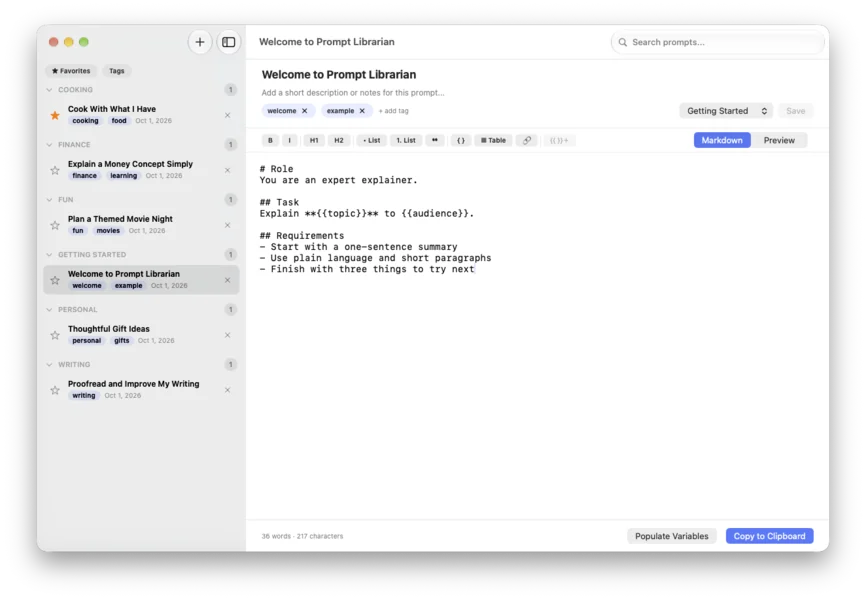
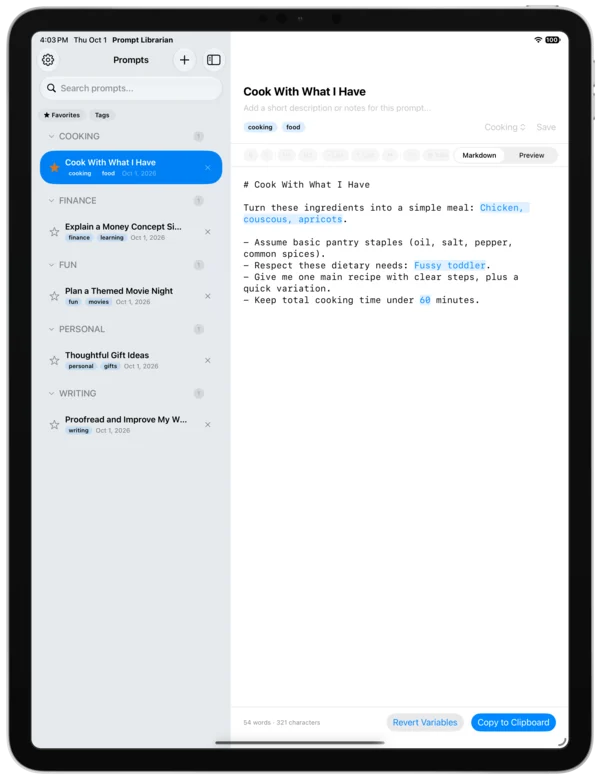
- Folders, tags, and favorites
- Organize prompts the way you actually think about them, not the way a database wants you to.
- Markdown, natively
- A formatting toolbar and a live-rendered preview, in the format your prompts already use.
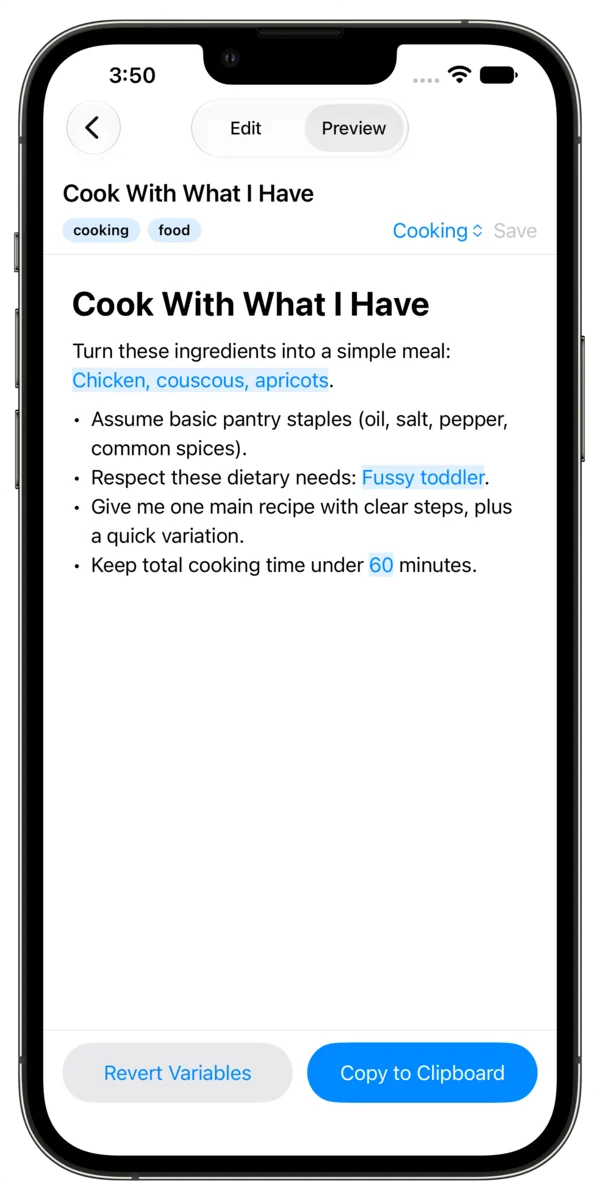
- Variables, without touching the original
- A guided wizard walks through each
{{placeholder}}in a prompt and fills it in on a copy. The saved version stays exactly as written, ready to reuse the next time the details change. - Saved autofill values
- Keep the names, dates, and phrases you type constantly. Insert them into a variable with one click.
- Fuzzy search and filters
- Find a prompt by tag, favorite, or a few loose keystrokes; no exact titles to remember.
- iCloud sync, or store locally
- Use Apple's iCloud support built-in to your devices to safely store and sync your prompts across your devices. Plain text as Markdown, no proprietary file formats.
- Multiple tabs Mac only
- Keep several prompts open and editable side by side.
- Import your prompts, or bulk-import from CSV Mac only
- Add your own prompts, or bring an existing spreadsheet of prompts in all at once, mapped to titles, content, and categories.
- Copy, clean
- What lands on your clipboard is pure Markdown; no invisible styling riding along into your AI tool of choice.
- No subscriptions, ever
- Buy it, own it. One price includes all three platforms. Purchase and it's yours forever.
Your prompts, as files you already own
Every prompt is stored as a plain .md file, in the location you choose. No proprietary
format, no account, no server holding your library hostage. If Prompt Librarian
disappeared tomorrow, your prompts would still open in any text editor.
- 0accounts required
- .mdplain text files
- iCloudsync, or fully local
Get your prompts in order
Available for Mac, iPhone, and iPad.
Requires macOS 15, iOS 18, or iPadOS 18 or later.
Frequently asked questions
- How can I import prompts on iOS or iPad?
-
You can either create them via the app, or, once you've run the app for the first time and selected a location to store your prompts (iCloud or otherwise), save any Markdown files you have to that folder and voilà! Your prompts'll be there in the app, waiting for you.
- How can I reset the app on macOS? I want to see the onboarding wizard again.
-
The wizard can be seen again via the settings menu, but you can also paste the following into your terminal app. Quit Prompt Librarian first.
See the wizard again:
defaults delete com.silevitas.PromptLibrarian hasCompletedFeatureTourSee the library location onboarding screen:
defaults delete com.silevitas.PromptLibrarian libraryLocationComplete reset:
defaults delete com.silevitas.PromptLibrarianAs with anything in the terminal, use caution! These commands are totally safe, but the terminal is a dangerous and hugely powerful tool. I love it so.
- Does Prompt Librarian collect any data?
-
Nope! Not a thing. The only data that I can see is via the default Apple App Store dashboard. It tells me how many copies have been purchased, on what platform, and what country, but that's about it. Your data, your business. Not mine.